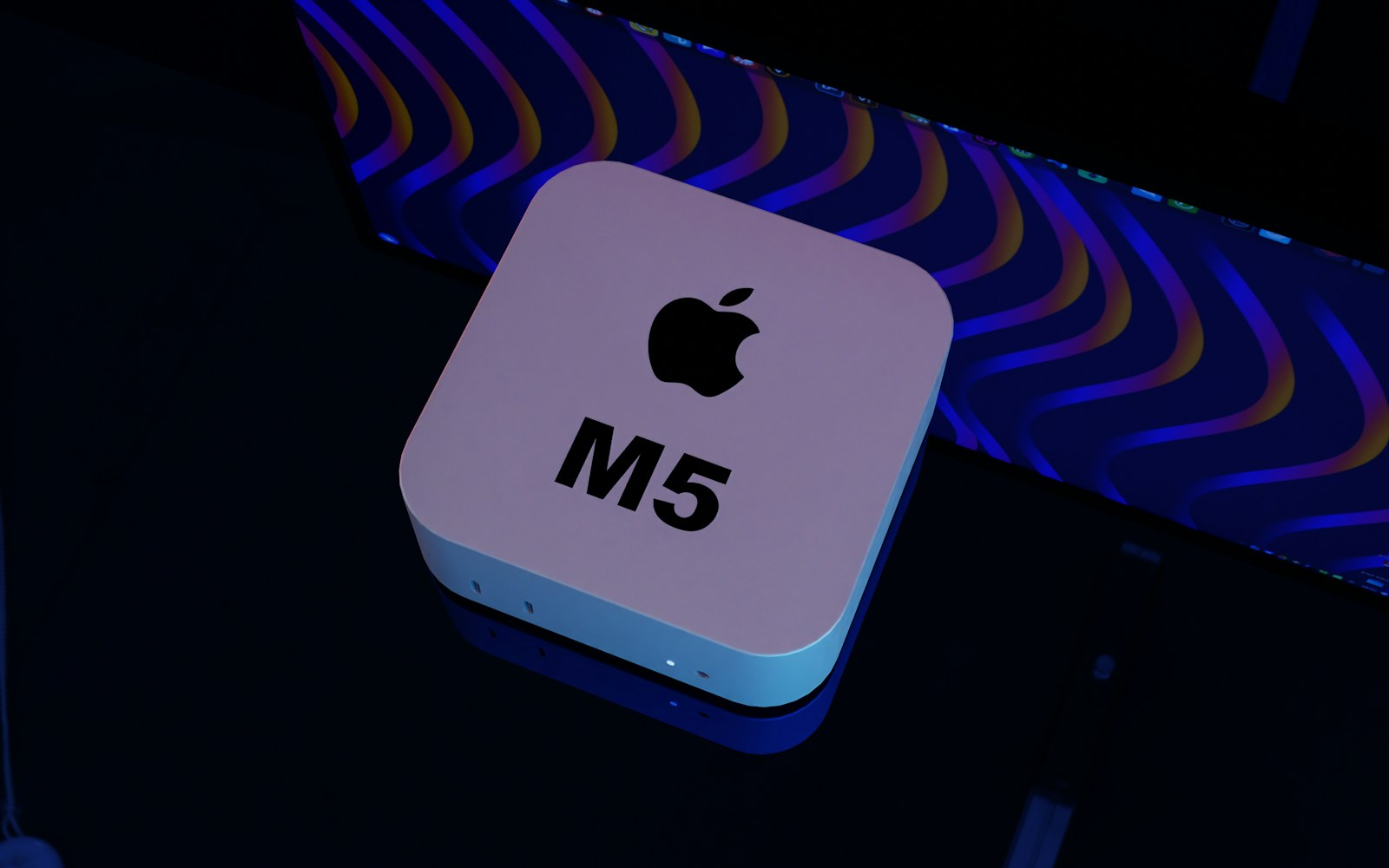
HopVM M4 16
M4 · 16GB · 256GB
- Light Xcode builds and basic validation
- For single projects and short tasks
- All six available locations
From $20.9/day, for iOS/macOS development, automated builds, testing, and Apple Silicon inference experiments.
Confirm the model, rental period, location, and add-ons before ordering. All orders are billed in USD. Payment is limited to USDT-TRC20 and Visa / Mastercard / Amex (via Stripe).
From lightweight builds to memory-intensive inference, the catalogue includes only these three configurations. All amounts are in USD. The console returns locations and add-ons for the selected model in real time, so no unconfirmed fees are shown.
M4 · 16GB · 256GB
M4 · 24GB · 512GB
M4 Pro · 64GB · 2TB
Add-ons follow the same rental period: +1TB SSD costs $2.4/day, $6.5/week, $12.1/month, or $32.9/quarter; +2TB SSD costs $4.8/day, $13/week, $24.2/month, or $65.8/quarter; Thunderbolt 5 linking costs $1.6/day, $4.3/week, $7.9/month, or $21.5/quarter per machine.
View full pricing and add-onsAll three configurations are available in Singapore, Japan (Tokyo), South Korea (Seoul), Hong Kong, the US East Coast, and the US West Coast. Compare network paths, repository locations, and the hours when jobs run before choosing a location.
All 18 catalogue combinations are normally available to order. Actual availability comes from the console in real time.
| Model | SG | JP | KR | HK | US-E | US-W |
|---|---|---|---|---|---|---|
| HopVM M4 16 | Good availability | Good availability | Good availability | Good availability | Good availability | Good availability |
| HopVM M4 24 | Good availability | Good availability | Good availability | Good availability | Good availability | Good availability |
| HopVM M4 Pro 64 | Good availability | Good availability | Good availability | Good availability | Good availability | Good availability |
Use samples to narrow the choice, then test again from your team's actual network. Distance on a map is not enough.
| Test city | SG | JP | KR | HK | US-E | US-W |
|---|---|---|---|---|---|---|
| Shanghai | 68ms | 46ms | 51ms | 39ms | 194ms | 148ms |
| Tokyo | 73ms | 11ms | 34ms | 54ms | 168ms | 101ms |
| Singapore | 9ms | 72ms | 83ms | 37ms | 231ms | 176ms |
| Los Angeles | 179ms | 106ms | 129ms | 151ms | 72ms | 18ms |
Test date: current location sample batch; public internet, 20 samples per path. Values shown are P50. P95 varies with carrier routing and local egress and is provided for location selection only.
See the full test methodology, cross-time-zone collaboration guidance, and details for all six locations on the locations page.
View locations and latency methodologyDo not start with industry labels or vague performance claims. Define the commands, inputs, outputs, duration, and resource peaks. Run one baseline task before choosing a configuration and rental period.
Pull the code from Git, verify dependency lockfiles and the Xcode version, then build, test in the simulator, sign, archive, and export the artefacts. For short validation cycles, start with the daily HopVM M4 16 plan.
Trigger xcodebuild and fastlane in parallel through a queue, while retaining exit codes, redacted logs, and build artefacts. Scale up for peak workloads by the week; compare monthly or quarterly periods for continuous pipelines.
Prepare the model and runtime, then record unified-memory peaks, first-run duration, sustained throughput, and the output path. HopVM M4 Pro 64 is designed for local inference with large models and multi-model comparisons.
Upload your media, transcode or render it, verify the encoding settings, duration, and file integrity, then download the finished output. If your media exceeds the base capacity, select the available storage add-on for the same rental period.
A useful test task should record the input version, command, exit code, duration, memory peak, and output path. That is how you tell whether a difference comes from the configuration, project, or network.
View all four workflowsOnce delivered, the machine's compute, memory, and storage are dedicated to the current order. Access credentials, background jobs, code, and artefacts still need to follow your team's rules. Define who can connect, when handoff happens, and what must be exported before the rental ends.
CPU, memory, and storage are not shared with other orders. Use the confirmed chip, memory, and capacity from one of the three configurations rather than advertised figures for a shared environment.
Retrieve access details from the console and verify the machine status, account, location, and host fingerprint. Record the result on the first connection. Do not save credentials on public devices or submit complete keys in support requests.
Stop background jobs, export the required artefacts, remove temporary tokens and controlled credentials, then confirm the handoff record. When the rental ends, the machine is released from the project, so migrate anything you need in advance.
Keep the order ID, actual location, issue time and time zone, last known good time, reproduction steps, and redacted error output. These details can be used directly when investigating connection or machine issues.
View troubleshooting and support templateRun a baseline with the smallest suitable task first. Memory peaks, base storage, parallelism, and duration are more useful than configuration names. Check the available add-ons if you need more capacity.
Start with the lowest configuration that can complete the task, then decide whether to upgrade after one complete run.
Compare delivery models and resource boundaries instead of replacing project estimates with broad cost claims.
| Comparison | Dedicated physical machine rental | Buy hardware | Shared virtual machine |
|---|---|---|---|
| Upfront cost | Pay for the selected period | Purchase the equipment first | Pay by the platform's period |
| Delivery path | Confirm the combination in the console | Purchase, receive, and deploy | Resources assigned by the platform |
| Resource isolation | Dedicated | Dedicated | Shared |
| Upgrade flexibility | Switch between three configurations | Buy or modify equipment again | Limited by the platform catalogue |
All locations operate normally year-round, 365 days a year. The status page shows daily availability and closed incidents. Yellow segments indicate closed incidents only; they do not mean the service is currently unavailable or predict order availability.
If availability falls below the commitment, submit a compensation claim under the conditions, evidence requirements, and application period set out in the service terms. Include the order ID, affected location, time range, and reproducible records.
View incidents and claim criteriaEach article starts with commands, data, and limitations before explaining where the approach applies. Once published, the latest article appears in the feature slot, with the rest arranged in a three-column grid.
Scan every Mach-O file in an exported iOS package, validate arm64, platform, and deployment targets, and produce CI failures that identify the exact offending binary.
Read the full noteExtract stable coverage data from xcresult, enforce separate project and changed-file thresholds, and retain enough evidence to diagnose every failed check.
Read engineering note DevOps & CI/CDTurn iOS cold-launch measurement into a repeatable engineering gate with a pinned environment, reviewed baselines, and inspectable xcresult bundles.
Read engineering noteUpcoming topics include Fastlane automation, migrating Intel workflows, model inference on Mac, service selection, rental cost calculations, and collaboration across time zones. The home page shows only published, accessible articles.
Browse engineering notesFor questions about an existing order, connection records, or machine status, sign in to the console and submit a support request so it can be linked to the relevant resources.
No. HopVM provides remotely accessible cloud Macs on physical nodes, with compute, memory, and storage dedicated to each order. The confirmed chip, memory, storage, and location are shown in the order details.
Daily, weekly, monthly, and quarterly rentals are available. The entry-level HopVM M4 16 costs $20.9/day, $56.4/week, $104.5/month, or $284.2/quarter, making it suitable for a reproducible short-term validation.
Only USDT-TRC20 and Visa / Mastercard / Amex (via Stripe) are supported, and all orders are billed in USD. The gateway available for a specific order is determined by the console.
Compare measured latency for your main users, the locations of code repositories and dependency sources, CI trigger times, and data-handling requirements. Available locations are Singapore, Japan (Tokyo), South Korea (Seoul), Hong Kong, the US East Coast, and the US West Coast.
Check the location status, access details, account, and connection method in the console first, then verify your local network egress and system time. Verify the host fingerprint on the first SSH connection, and do not save credentials for graphical sessions on public devices.
Export required artefacts, stop background jobs, remove temporary credentials, and confirm the machine status. Back up and migrate your code, keys, model files, and build artefacts yourself rather than waiting until the rental ends.
Choose HopVM M4 16, HopVM M4 24, or HopVM M4 Pro 64, then select a daily, weekly, monthly, or quarterly rental and one of six locations: Singapore, Japan (Tokyo), South Korea (Seoul), Hong Kong, the US East Coast, or the US West Coast. All orders are billed in USD.